I want to start out by thanking everyone for the support and nice comments you all leave for me. I truly appreciate the support of this blog!! I enjoy card making and bringing my creations to you, this wouldn’t be possible without your support, so again, thank you!! *Affiliate links are used at no additional cost to you. When you purchase products through my links I receive a small commission from these sales, which helps me to purchase new products for the cards I share on my blog. Thank you so much for your support, it is greatly appreciated!! Don’t forget to check out my previous blog for MANY more card projects! You can find them HERE.
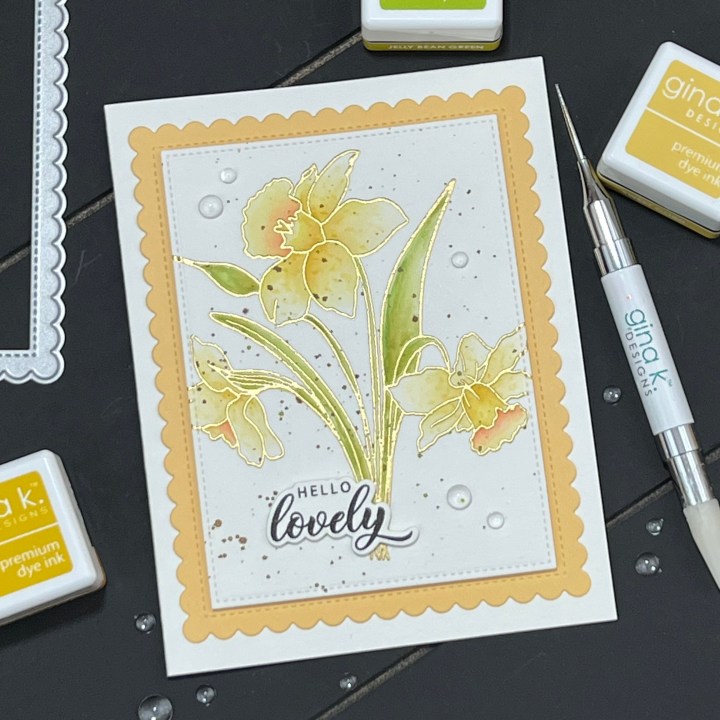
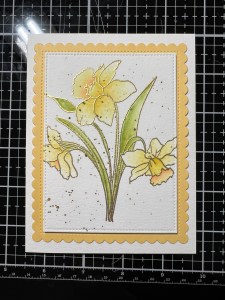
Today, I have a card using a brand new stamp set called Smile Today, illustrated by Lisa Hetrick for Gina K Designs March release that is available right now! Gina will be live at 7:00PM CST over on her YouTube channel and Facebook page where she will be showing all of the new products up close, talk with the illustrators and will be making a fun card project. If you are unable to catch Gina live, be sure to check out the replay on her YouTube channel, it’s always packed with lots of inspiration and you have a chance to view everything in more detail. Included in the March release is a brand new kit, Master Layouts 15 and lots of new stamps and dies… You can see all of the new products HERE. For my card, I decided to use the large image from the Smile Today stamp set and do some simple watercoloring with it. All of the stamps, dies, inks and cardstock (besides the watercolor cardstock) I use are from Gina K Designs. Let’s get started!!
I will be doing all of my work today on my Tim Holtz Glass Media Mat.
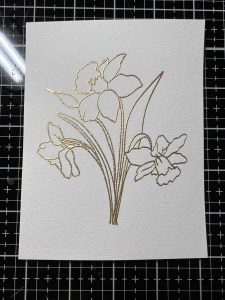
I start by placing a 4 1/4″ x 5 1/2″ piece of Watercolor Cardstock onto a Grip Mat that is in my MISTI Stamp Positioner then center the large image from the Smile Today Stamp Set onto the panel and pick it up with the door of my MISTI. I prep the panel with my Anti Static Powder Bag then ink up the stamp using Versamark Ink and stamp it onto the panel three times to ensure good ink coverage as watercolor cardstock has a lot of texture. *Having a grip mat in my MISTI holds the panel in place without shifting, allowing me to stamp my image multiple times. I then add Gold Embossing Powder and heat set the image with my Heat Tool.

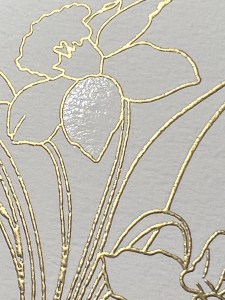
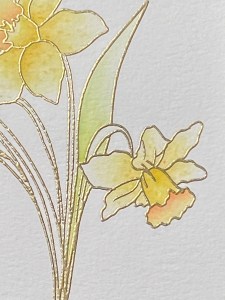
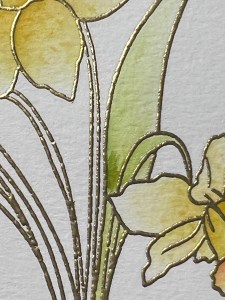
To begin my watercoloring, I choose the ink colors that I think I will want to use and press the cubes onto my Glass Mat, I will use this as my palette. I then take my Water Brush filled with clean water and dampen the first petal that I will be painting. Next, I pick up some Sweet Corn Ink with the tip of my Water Brush and paint it onto the base of the petal. I then blot the color off of my brush onto a piece of paper towel then blend and fade the color out toward the end of the petal. *After applying a little color onto the petal, I like to remove any leftover color that remains on my brush then go back and blend out the petal. This allows me to fade out the color and keep it soft, giving me more control of how much color I want to add, another layer of ink can always be added for a darker shade. I repeat this process with the remaining petals of each flower.

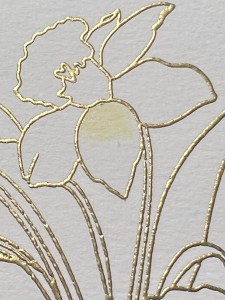
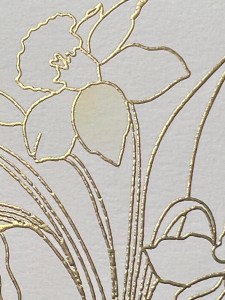
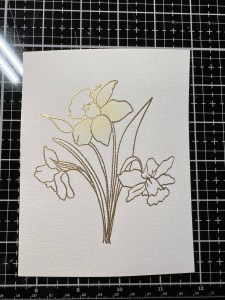
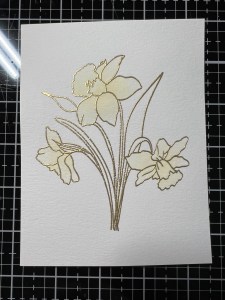
To add some variation of color and to add depth, I now pick up a small amount of Prickly Pear Ink with my Water Brush and add it to the base of the petal then blend it out a bit, being careful not to fully cover up the previous color. I repeat this process for the rest of the petals. To color the center parts of the flowers, I add Sweet Mango Ink with my Water Brush and blend it out a bit. I repeat the coloring of the petals and the centers for the remaining flowers.
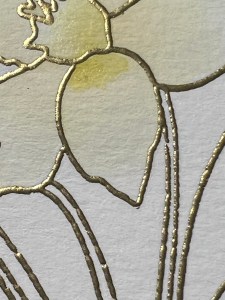
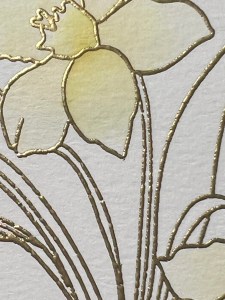
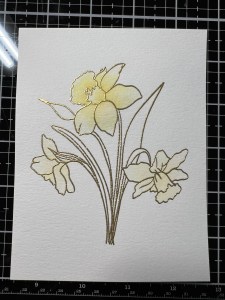
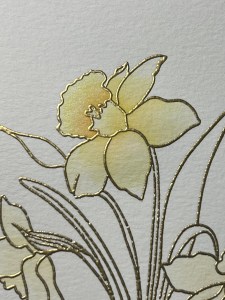
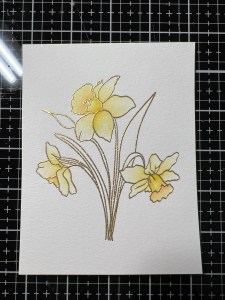
I want to add a little texture and interest to the flower petals. To do this, I pick up a small amount of Prickly Pear Ink with my Water Brush and lightly tap it onto the petals, more toward the base, creating some speckles. I then take my Water Brush with clean bristles and blend the speckles out just a bit to soften them.

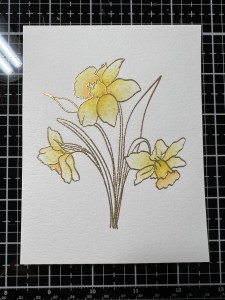
Now, it’s time to paint the leaves. I start my adding some Jelly Bean Green Ink using my Water Brush, then blend and fade the ink out towards the end of the first leaf. Next, I add Fresh Asparagus Ink and blend it out a bit, being careful not to fully cover up the previous color. I repeat this process with the remaining leaves.
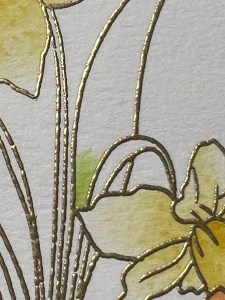
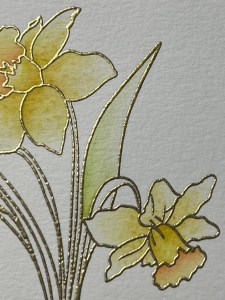
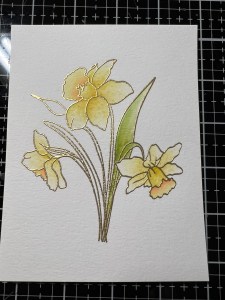
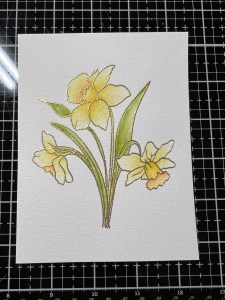
To break up the stark white background a bit, I pick up some Fresh Asparagus Ink with a small wet paintbrush and spatter it over the panel. I then pick up some Dark Sage Ink and also spatter it then set the panel aside to dry.
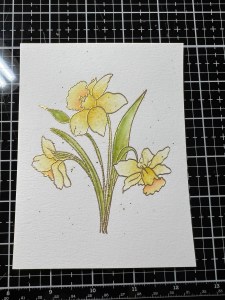

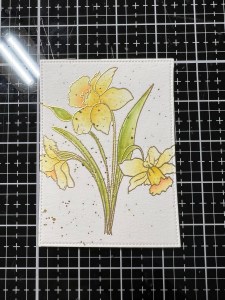
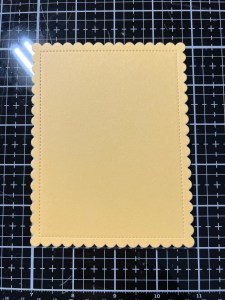
Once my spatters are dry, I take the rectangle die from the Master Layouts 5 Die Set to cut down my panel, running them through my Platinum 6 Die Cut Machine. I then take the scallop die from the Master Layouts 4 Die Set, I cut out of Sweet Corn Cardstock, running them through my P6. Next, I mount my panel onto the scallop panel using Foam Squares to add a little dimension. Using Liquid Glue I adhere my panels onto the same Watercolor Cardstock card base.
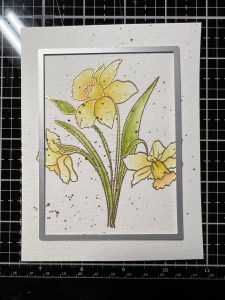
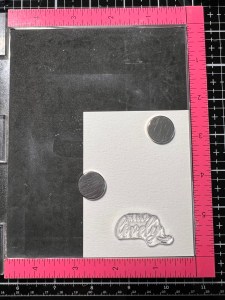
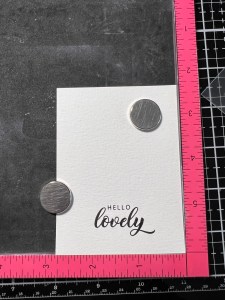
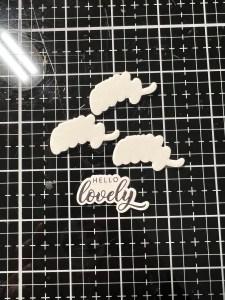
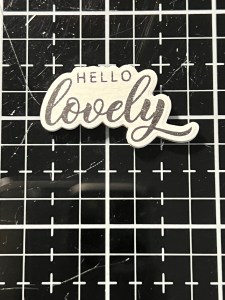
For my greeting, I place a piece of the same Watercolor Cardstock into my MISTI and stamp my greeting from the Lovely Flower Bundle using Amalgam Obsidian Black Ink then cut it out with the coordinating die, and three other times out of Watercolor Cardstock, running them through my P6. *This stamp set is available on it’s own, without the dies also. I then stack and glue the die cuts behind the greeting using Liquid Glue then glue it onto my card front.
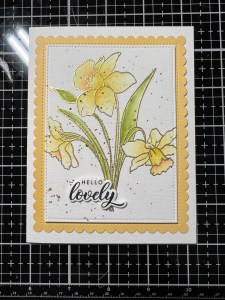
Using my Pick & Stick Tool I add a few Dew Drops using Liquid Glue and this completes my card.
I hope you enjoyed today’s card. This stamp set also comes with solid images for the flowers that can be stamped to add quick color. There is also a large background image that would look great stamped in a light gray ink then shift the stamp just a bit and stamp it again in a colored ink to give a shadow illusion to the image, so fun! This set is available in the stamp set alone or the stamp set/die bundle. Be sure to see Gina’s replay if you are unable to catch the live presentation!!
If this is your first time visiting my blog, welcome and I hope you return. If you are a returning visitor, thank you so much for your support!
If you would like to be notified by email each time I post a new project, there is an option to add your email (located at the top menu, or on the right side of my page) then hit the subscribe button. Should you have any questions or comments please leave them in the comments section. I’d love to hear from you and what you thought about today’s card.
Thank you for visiting and I hope you come back soon!
Happy Stamping and God Bless!!
Jeannie
 Kampa Kreations
That is such a beautiful card!
LikeLike
Thank you so much, Joanne!!
LikeLike